Subscribe to our newsletter and enjoy up to 15% OFF on every product and exclusive offers.
LicenseCommerce generates license keys automatically, validates them in real time, and keeps every customer's access in sync with their subscription. You focus on building your product. The plugin handles who's allowed to run it.
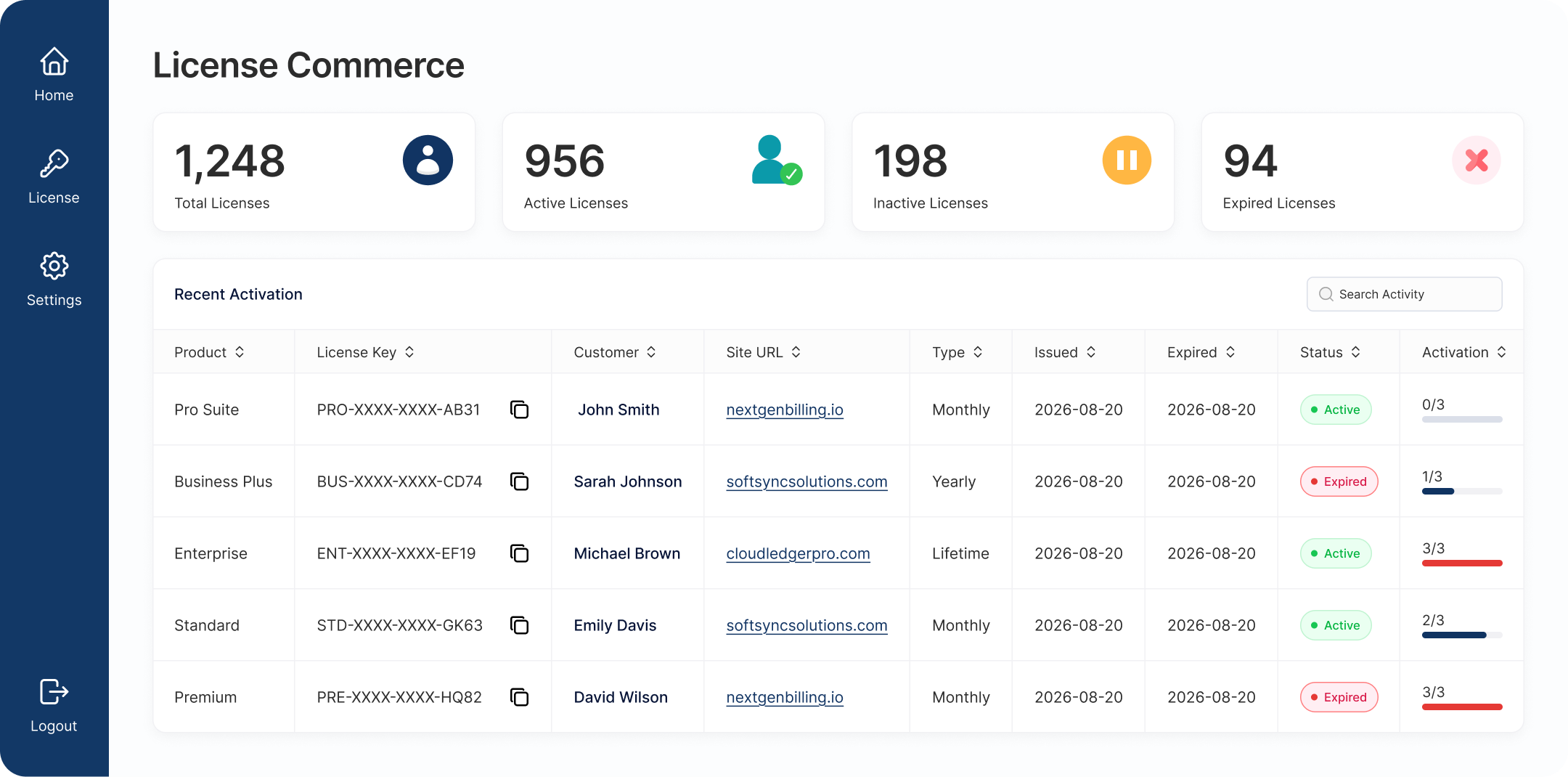
Built for teams who sell software on WooCommerce and need to know exactly who's licensed, on how many sites, and for how long, without policing it by hand.


Get your first license issued in minutes, with a simple three-step setup.
Everything you need to issue, track, and protect your software licenses, from one place.
Six quick steps to wire the SDK into your WordPress plugin.
Add the SDK to your plugin using Composer, or copy the lfi folder in
manually. Both setups are fully supported.
Supports
Need the standalone autoloader instead? See Step 03 for both options.
The SDK runs as a singleton, so if you bundle it inside more than one plugin, each copy needs its own namespace — otherwise the two plugins collide and only one license check works correctly.
Important: two plugins should never share the same LFI\... namespace.
// src/LicenseManager.php
// Before
namespace LFI\License;

// After — use a prefix unique to your plugin
namespace LFI\YourPlugin;
Update every file in src/ that references the old
namespace.
If your plugin already has a root composer.json, merge the SDK's
namespace into its psr-4 map. No root composer.json? Use
the SDK's own instead.
Supports
{
  "autoload": {
	"psr-4": {
	    "YourPlugin\\": "./src",
	   "LFI\\YourPlugin\\": "vendor/krishastore/licenseflow-sdk/src/"
	}
  }
}
// vendor/krishastore/licenseflow-sdk/composer.json
{
  "autoload": {
	 "psr-4": {
		"LFI\\YourPlugin\\": "src/"
	 }
  }
}
Then run composer dump-autoload.
In your main plugin file, require the autoloader and initialize the SDK with your product SKU, admin menu slug, plugin name, and template directory.
use LFI\YourPlugin\LicenseIntegration;

require_once __DIR__ . '/vendor/autoload.php';

LicenseIntegration::instance()
	->set_sku( 'your-product-sku' )
	->set_parent_slug( 'your-plugin-menu-slug' )
	->set_plugin_name( 'My Plugin' )
->set_template_dir( plugin_dir_path( __FILE__ ) . 'license-templates/' );Use is_pro() anywhere in your plugin to verify the license is active and
not expired before enabling premium features.
Tip: prefer is_pro() over is_active() for feature
gating — same behavior, clearer intent.
if ( LicenseIntegration::instance()->is_pro() ) {
	// enable premium features
}
Your plugin now issues, validates, and renews licenses automatically. Use these methods anywhere you need license data.
is_active(): bool — alias of is_pro()get_status(): string — raw
status: active, inactive, expired, invalidget_status_text(): string —
formatted status text (HTML + color)get_license_key(): string —
the stored license keyget_activated_site(): string —
URL where the license is activatedget_menu_slug(): string —
admin menu slug for this instanceChoose the plan that fits your business. All plans include with 1 year standard support.
Find answers to common questions about LicenseFlow Manager.
LicenseCommerce gives you the full licensing layer, key generation, real-time validation, Stripe sync, and renewal reminders, on top of the WooCommerce store you already run.


