Subscribe to our newsletter and enjoy up to 15% OFF on every product and exclusive offers.

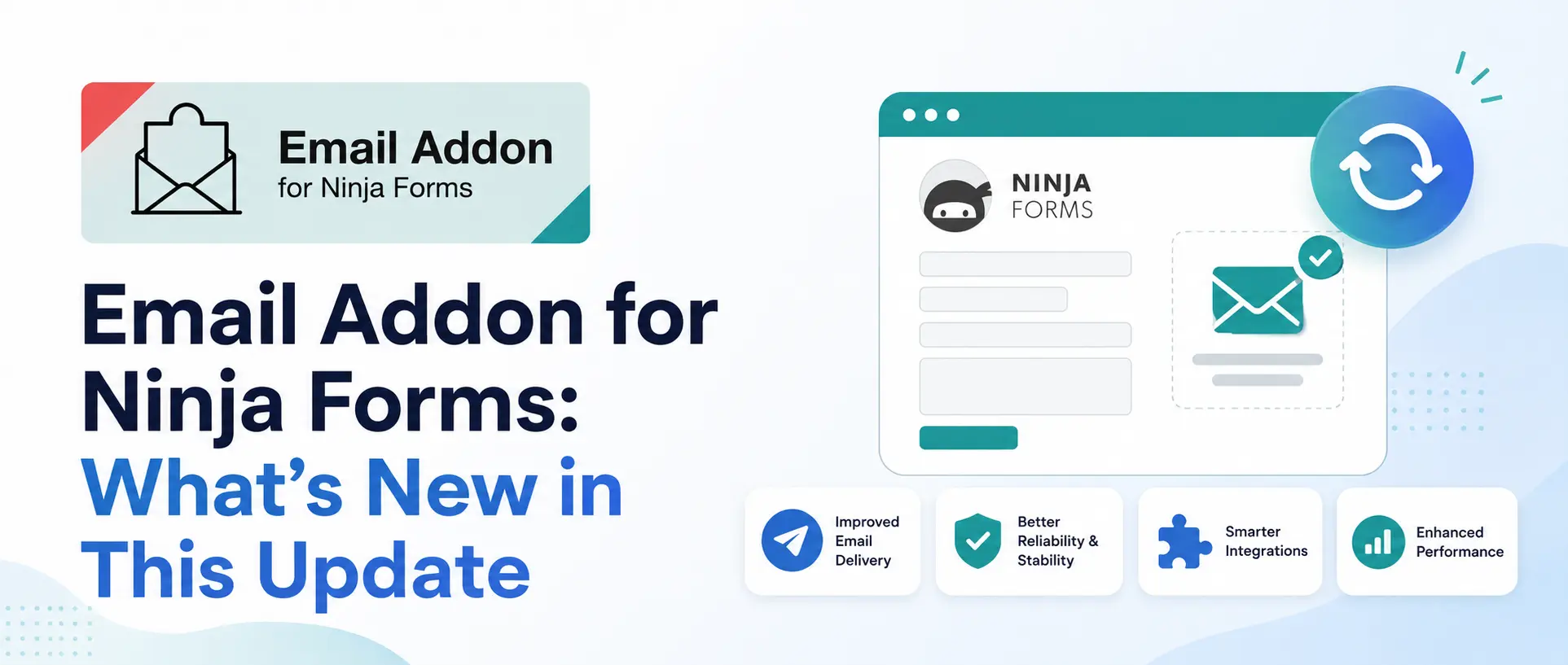
If your website runs on Ninja Forms, the emails your forms send are worth a second look. This release of Email Addon for Ninja Forms makes them easier to set up, better looking in every inbox, and friendlier for developers who need to customize behavior. It also opens the door to a growing template library you can pull from anytime. Here’s what’s changed and how to get the most out of it.
The biggest win in this release is the new 3-step onboarding. Instead of digging through settings, you’re guided in order: pick a template, drop in your content, add your contact and social details. That’s it. A built-in shortcode reference sits right next to the editor, so you’re never guessing what a tag does. And because everything happens inside the Emails & Actions panel you already use, there’s no separate screen to learn. If you’re not technical, this is the update that finally puts good-looking form emails within reach.
We rebuilt the integration around a new “Email Template” action that sits right inside the standard Emails & Actions panel, alongside core actions for emails. Each form can have two separate professional email templates: one for the user confirmation email, one for the admin notification. You pick each one independently, preview it live before applying, and save. It feels native to Ninja Forms because it uses the same panel and the same save flow you already know. Nothing to learn, nothing to switch to.
Email clients are famously inconsistent, and a small spacing bug can make a professional template look sloppy. In this update we ran a full accessibility pass on every one of the 18+ professional email templates, so they now follow WCAG guidelines for screen readers, contrast, and semantic structure. We also fixed logo placement and spacing across the whole set, kept the Outlook-safe markup intact, and refreshed the wrapper’s Multilingual and RTL support. Whether your users are on Gmail, Outlook, Apple Mail, or reading in Arabic or Hebrew, the emails hold up.
If you build for clients, this release gives you real levers. We’ve added three new developer hooks and filters, ninja_forms_email_addon_process, ninja_forms_email_addon_merge_tags, and ninja_forms_email_addon_message, that let you tune merge tags, step into form processing, and override the email HTML when a client asks for something bespoke. It’s the kind of flexibility that used to require hacking core files. Now it’s a filter.
Here’s the part we’re most excited about. The 18+ professional email templates built into the plugin are just the start. Fresh, ready-made designs are available anytime from our dedicated KrishaStore Email Template Library, and you can drop them straight into Email Addon for Ninja Forms.
Here’s how:
You’re never stuck with the built-in set. As we add designs to the library, your form emails stay fresh without waiting for a plugin release.
If you’re already using the plugin, update to this version to get the new onboarding, WCAG-compliant templates, and developer hooks. If you’re new, you can grab Email Addon for Ninja Forms on KrishaStore, yearly at $29.99 or lifetime at $79.99, both with one year of standard support.
Get the plugin: KrishaStore
Browse templates: Email Template Library
Requirements: PHP 8.1 or higher, MySQL 5.8 or later, WordPress 6.5 or higher, with Ninja Forms installed and active.


